Xavier's Blog
A fully deployed Flask blog where users can register, log in, and leave rich-text comments on posts. The first registered account becomes the permanent admin with exclusive rights to create, edit, and delete posts. Built with Flask-Login, SQLAlchemy, and CKEditor, then deployed to Render backed by PostgreSQL and served by Gunicorn.
Quick Facts
Overview
Problem
Most early Flask projects stay on localhost and never make it to the web — which means the deployment gap never gets bridged. Getting a database-backed, authenticated web app from a local SQLite dev environment to a live production server involves a surprisingly large number of moving parts: WSGI servers, environment variables, managed databases, and hosting configuration. Without working through this end-to-end, it's easy to assume deployment "just works" and get stuck when it doesn't. Day 71 was specifically about closing that gap and understanding what actually changes between local and production.
Solution
I built the blog on Flask with SQLAlchemy models for users, posts, and comments — all wired together with foreign key relationships and back-references. Flask-Login handles session management, Werkzeug hashes passwords, and Flask-WTF validates every form with CSRF protection. For deployment, I added a Procfile pointing Render to Gunicorn, swapped the database connection to pull from a DB_URI environment variable (falling back to SQLite locally), and configured all secrets through Render's environment tab. The same main.py runs in both contexts — the only difference is which environment variables are set.
Challenges
The trickiest part was getting the database configuration right across two environments without duplicating code or hardcoding anything. SQLite works great locally with zero setup, but PostgreSQL on Render needs a full connection string — and the app needs to handle both without knowing in advance which one it'll get. The solution was a single os.environ.get("DB_URI", "sqlite:///posts.db") call that cleanly handles both cases. A secondary challenge was making sure db.create_all() ran safely on Render without wiping existing data on re-deploys — running it inside the app context on startup turned out to be the right call for this stage.
Results / Metrics
The blog is live on Render and works end-to-end: registration, login, post creation, commenting, and admin controls all function in production exactly as they do locally. This project gave me a real feel for what deployment actually involves — not just "push to GitHub" but environment variables, WSGI servers, managed databases, and the differences between dev and prod configs. If I were building on this, I'd add email verification on registration and paginate the post list — but as a first full deployment, it does exactly what it's supposed to.
Screenshots
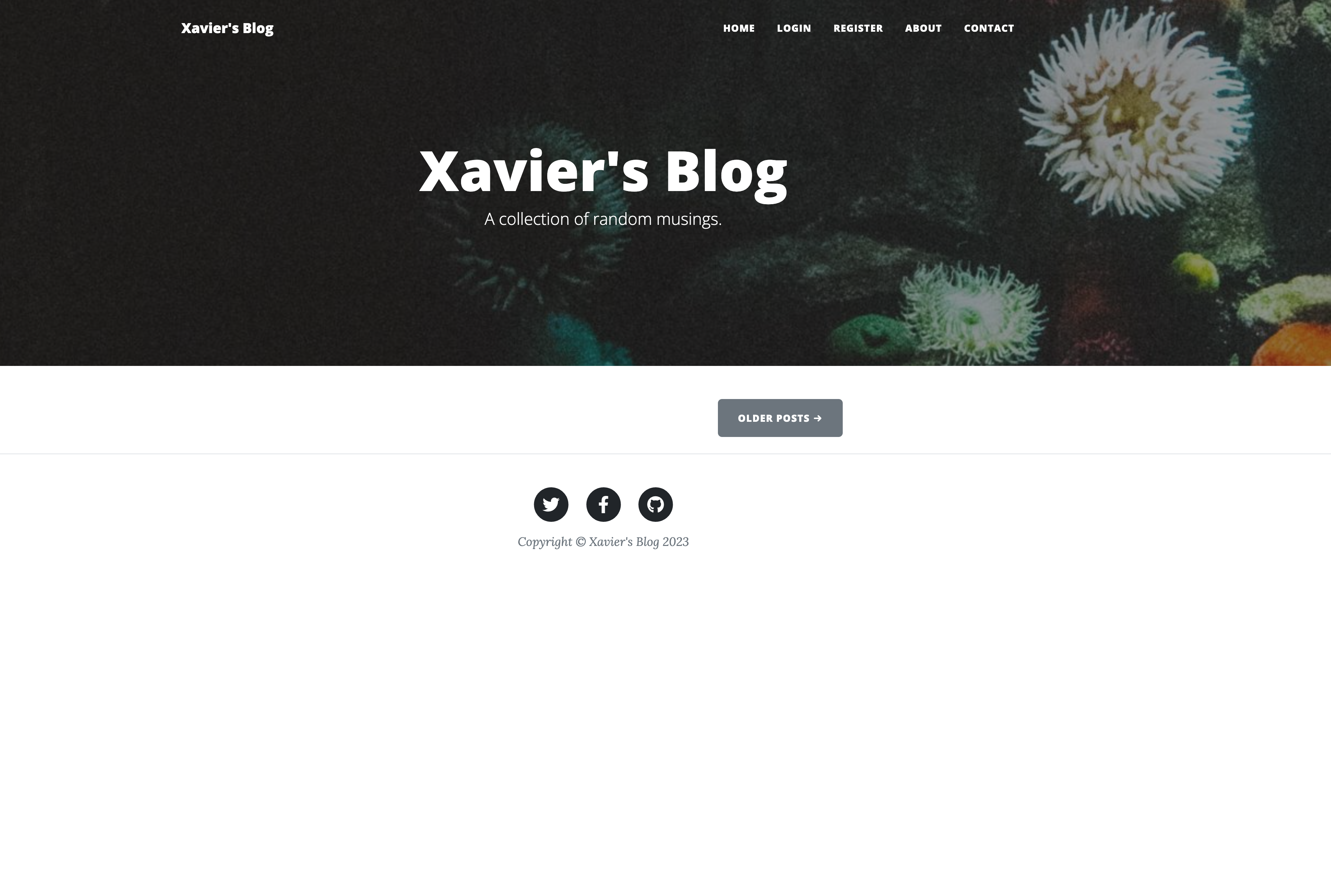
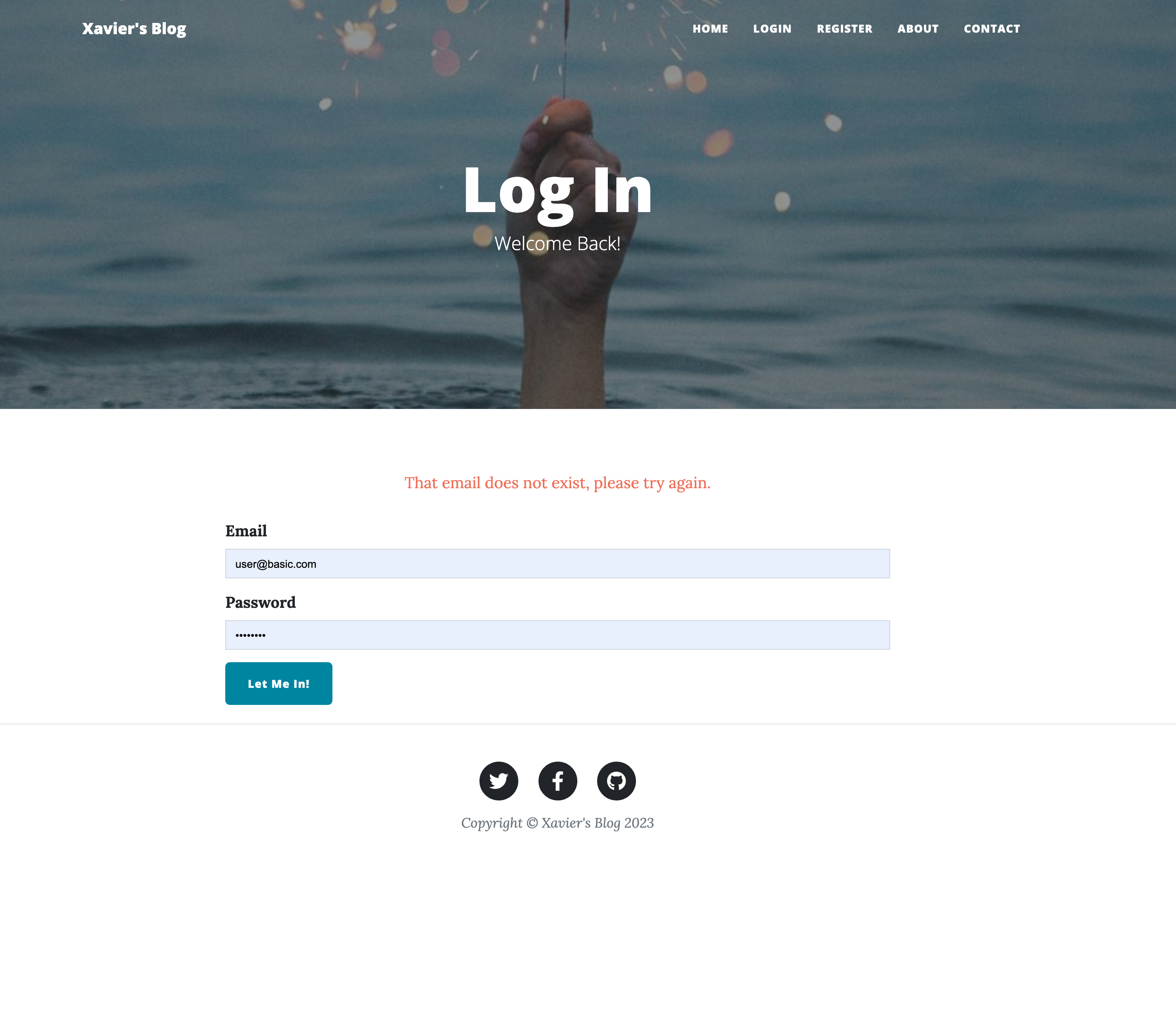
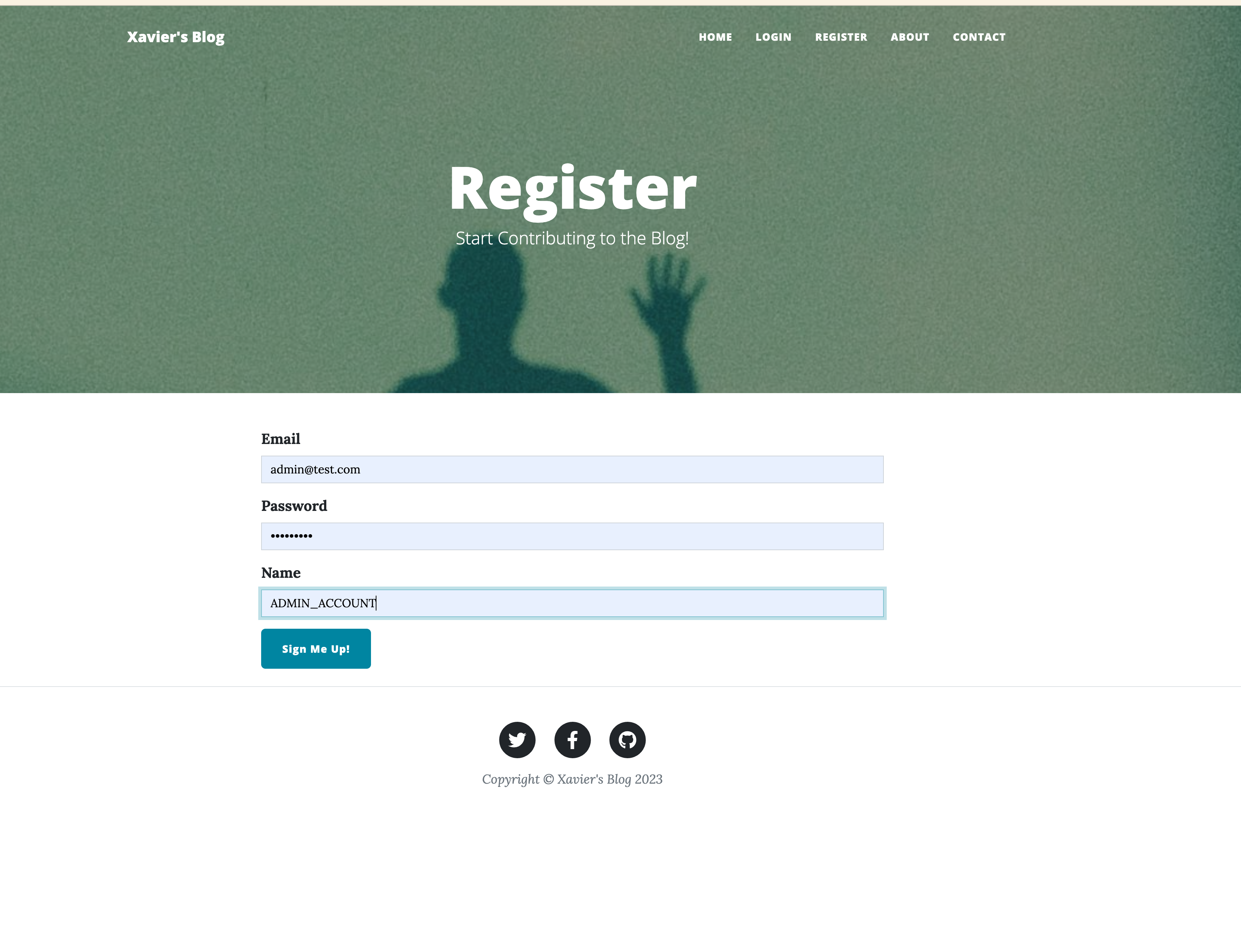
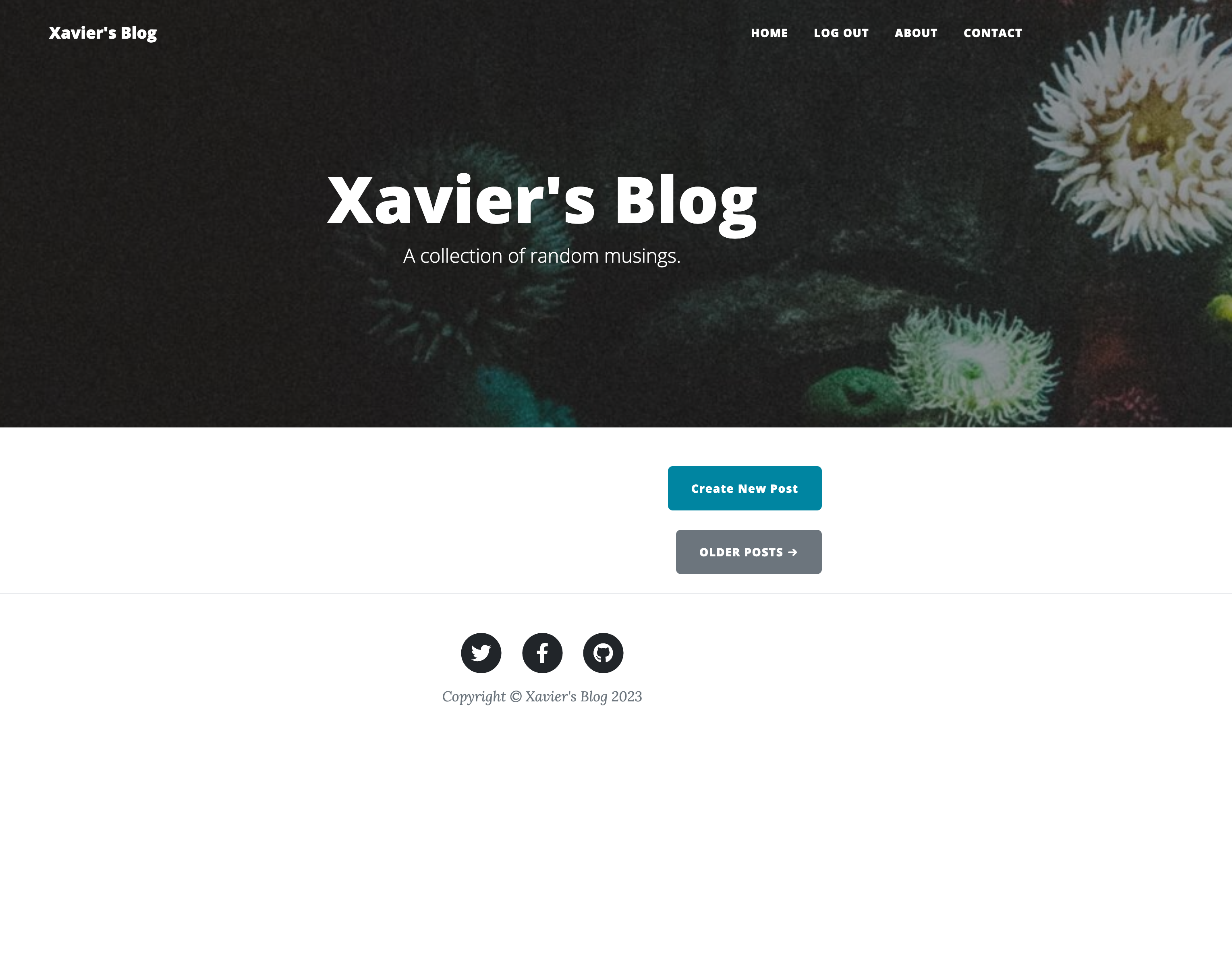
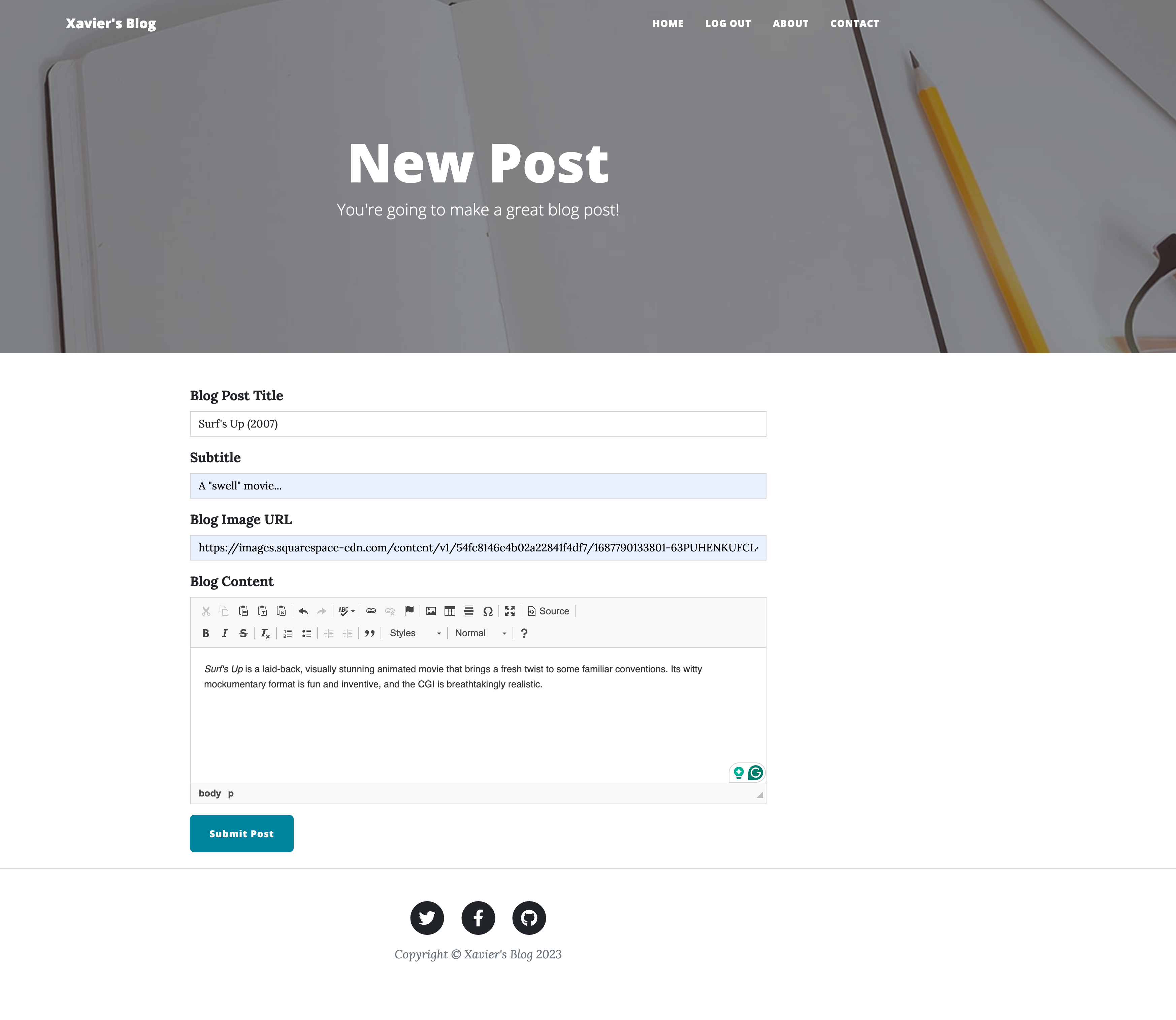
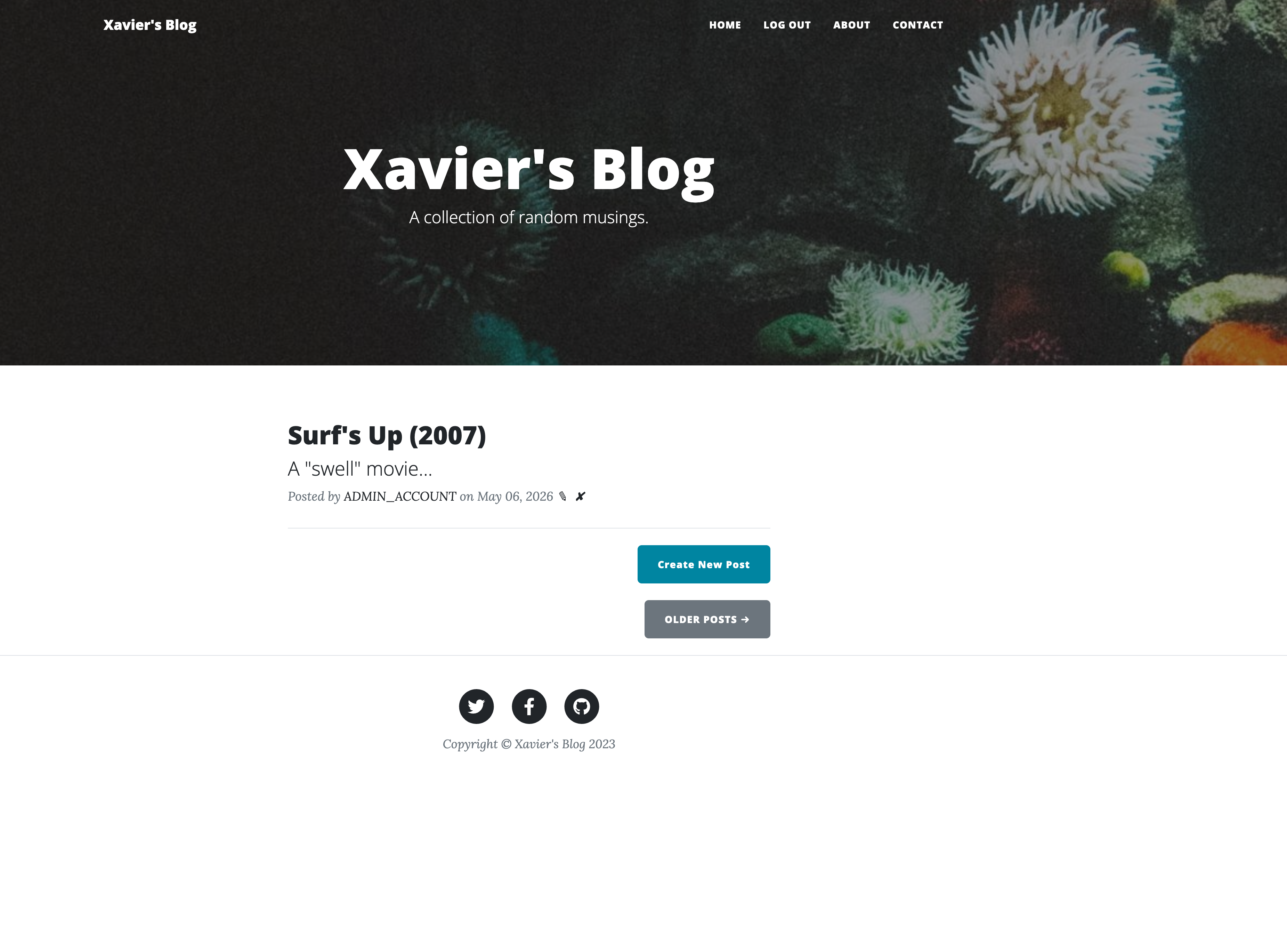
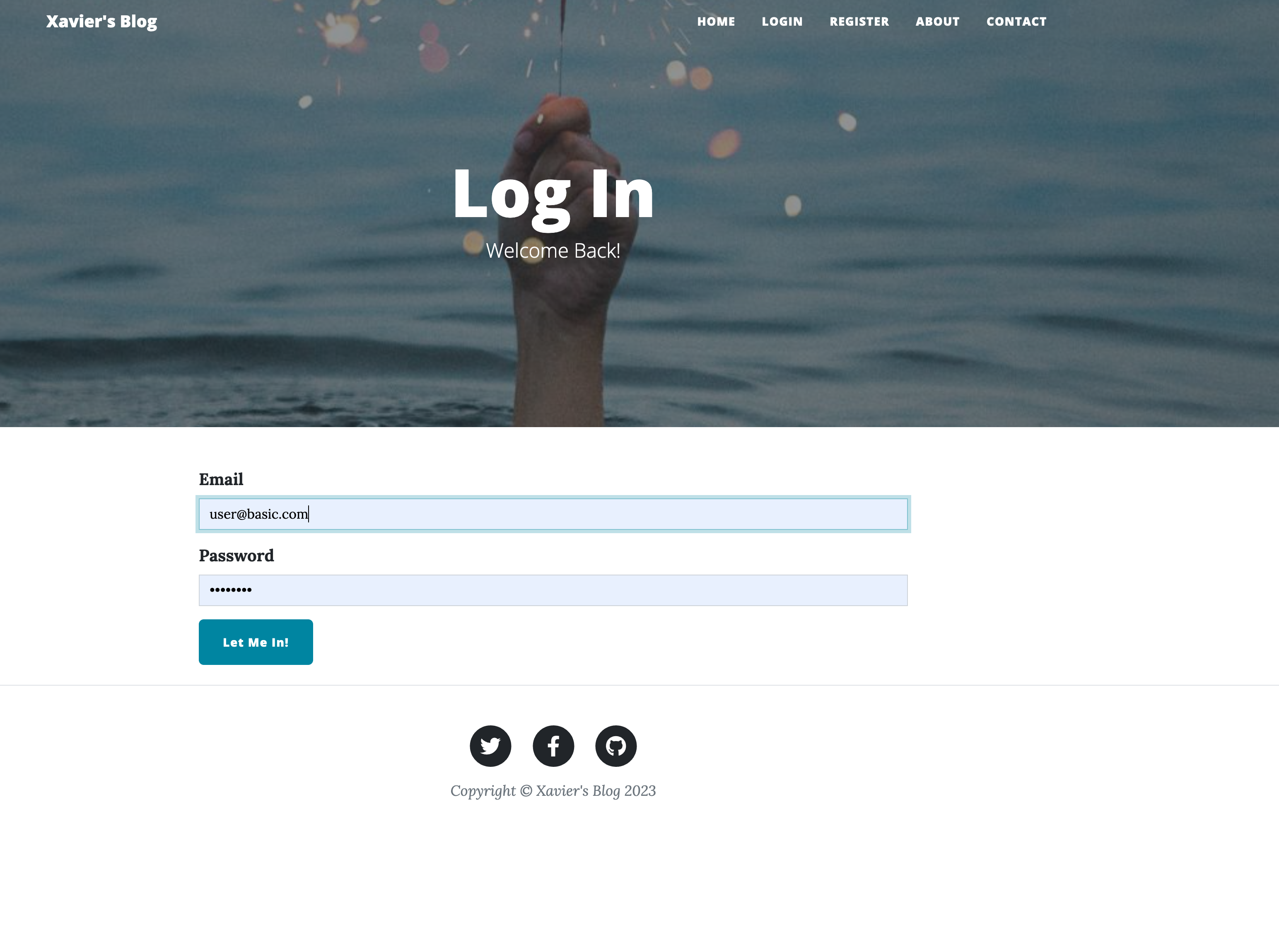
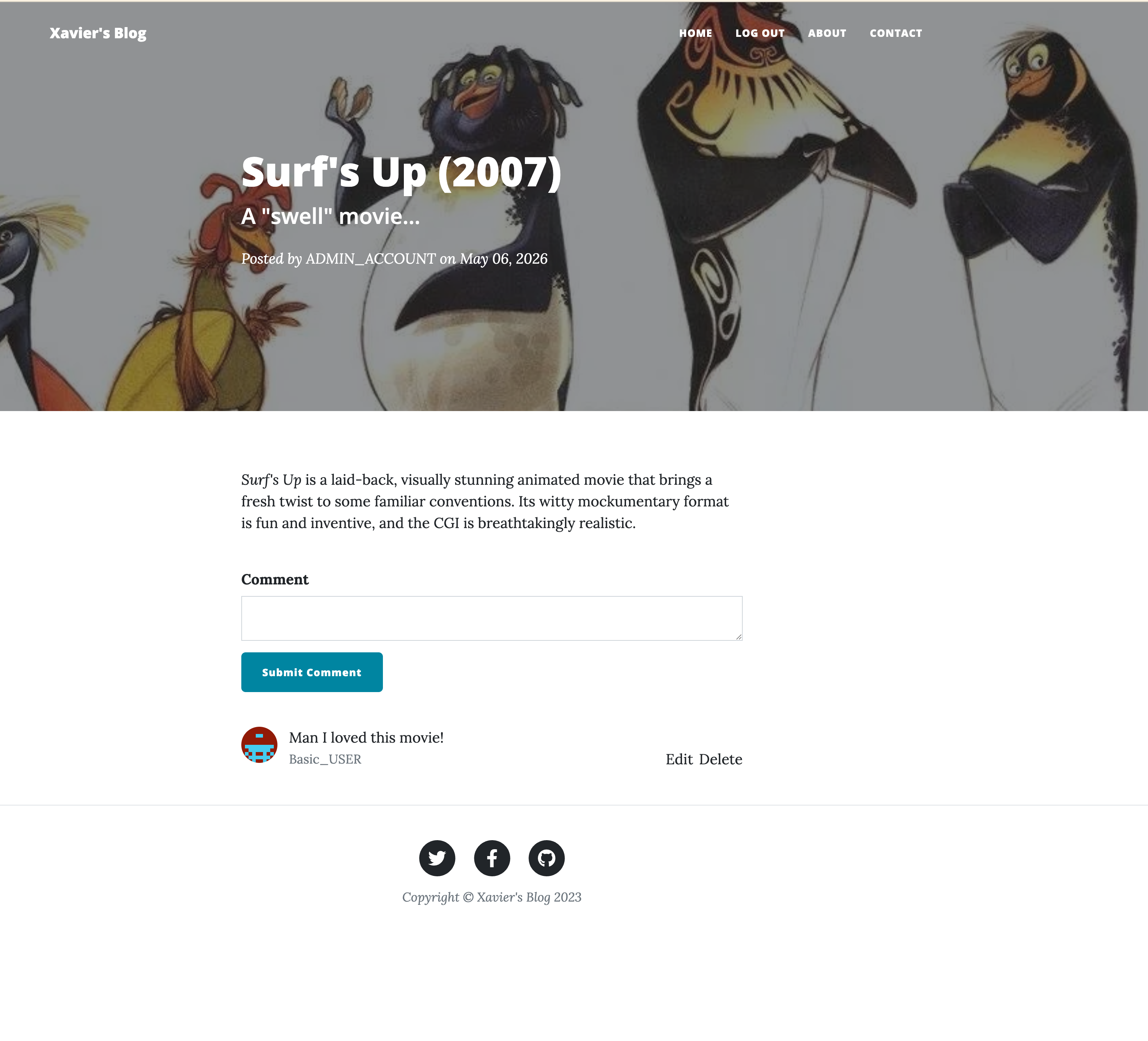
Click to enlarge.
Click to enlarge.